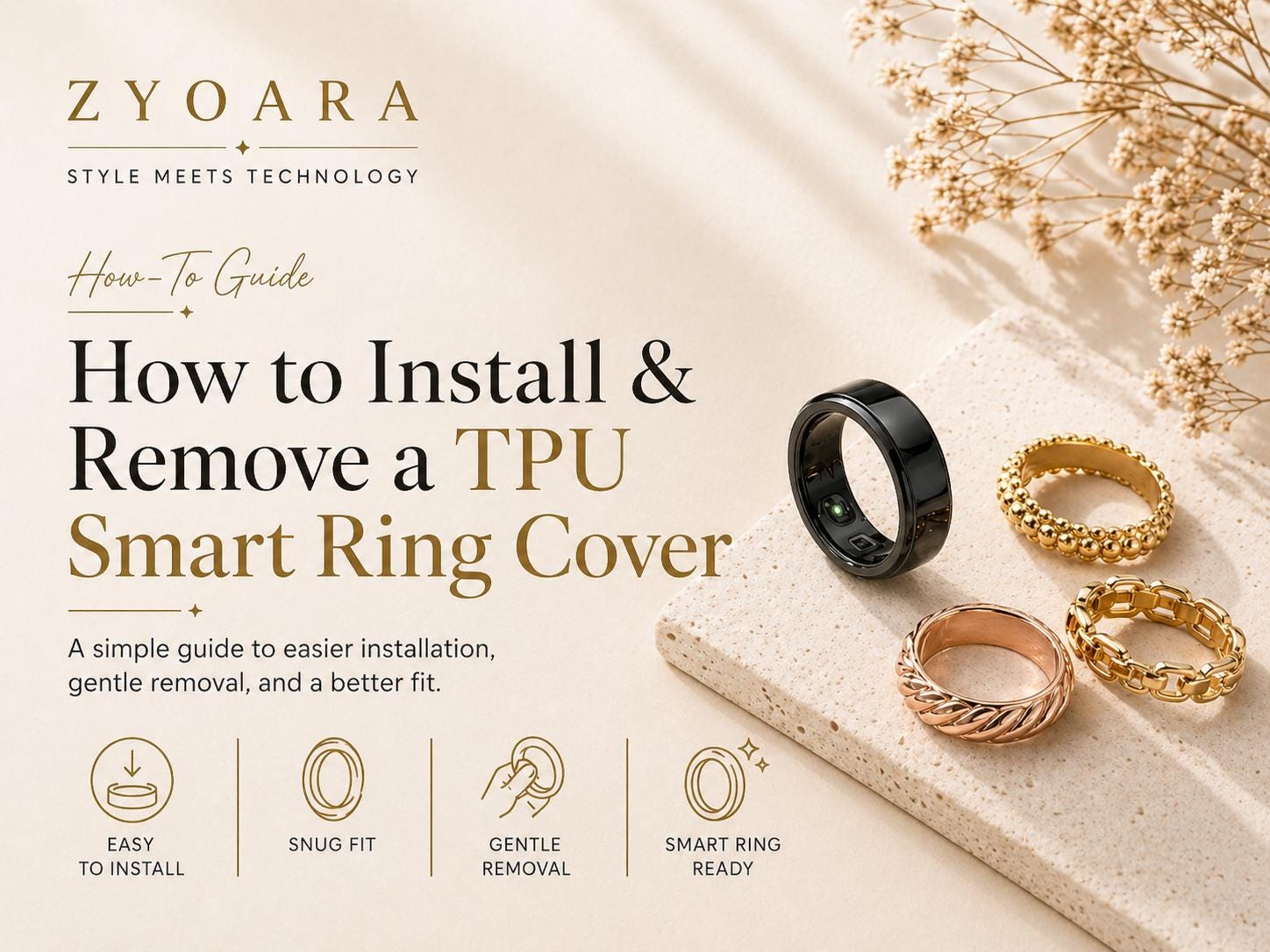
A Complete Guide for Oura Ring Covers, RingConn Ring Covers, Ultrahuman Ring Air Covers, Samsung Galaxy Ring Protectors, and Other Smart Ring Accessories
Smart rings are made for everyday wear. Whether you use an Oura Ring, RingConn, Ultrahuman Ring Air, Samsung Galaxy Ring, Circular Ring, Evie Ring, Amazfit Helio Ring, or another smart ring, your ring may come into contact with desks, keys, gym equipment, jewelry, bags, and other hard surfaces every day. A TPU smart ring cover adds a lightweight protective layer around your smart ring. It helps reduce scratches, light bumps, and daily wear while keeping your smart ring comfortable and easy to wear. This guide explains how to install, remove, clean, charge, and care for a TPU smart ring cover correctly.
What Is a TPU Smart Ring Cover?
A TPU smart ring cover is a flexible protective sleeve designed to wrap around the outside of a smart ring. TPU stands for thermoplastic polyurethane. It is softer and more flexible than hard plastic, but usually more structured and supportive than silicone. For smart ring accessories, TPU is commonly used because it offers a good balance of flexibility, thinness, grip, and daily protection. A well-designed TPU ring cover can help protect the outer surface of your smart ring without blocking the inner sensor area. This is especially important for health tracking rings such as Oura Ring, RingConn, Ultrahuman Ring Air, Samsung Galaxy Ring, Circular Ring, Evie Ring, and Amazfit Helio Ring.
Before You Install the Smart Ring Cover
Before installing your TPU ring cover, check three things: size, direction, and cleanliness. First, make sure the cover matches your smart ring size. Most smart ring covers are made according to the original smart ring size, not standard jewelry ring size. For example, if your Oura Ring is size 9, you should normally choose a size 9 Oura Ring cover. Second, check the shape and direction of the cover. Some TPU smart ring protectors have a small inner bump, alignment groove, or dimple-lock structure. This design helps the cover align with the smart ring’s charging dimple or orientation mark. Third, clean and dry both the smart ring and the inside of the cover. Dust, water, sweat, lotion, sunscreen, or oil may make the cover slip or fit unevenly.
How to Install a TPU Smart Ring Cover
Step 1: Clean and dry your smart ring
Use a soft cloth to wipe the smart ring surface. Make sure the ring is completely dry before installation. Avoid installing the cover immediately after applying hand cream, sunscreen, lotion, or oil-based products. A clean and dry surface helps the TPU cover grip better and reduces slipping during daily wear.
Step 2: Find the correct direction
Look for the charging dimple, groove, or orientation mark on your smart ring. Then check whether your TPU smart ring cover has a matching inner bump, groove, or shaped area. If your cover has an inner dimple lock design, align it with the ring’s dimple area. This can help the cover stay in place and make charger alignment easier. Do not force the cover on without checking the direction first. Incorrect direction may cause twisting, uneven edges, discomfort, or charging issues.
Step 3: Start from one side of the ring
Hold your smart ring firmly with one hand. With the other hand, gently stretch one edge of the TPU cover over one side of the ring. Do not pull the cover too aggressively. TPU is flexible, but ultra-thin smart ring covers are designed to fit snugly. Slow and even pressure works better than force.
Step 4: Roll the cover over the ring
Once one edge is in place, slowly roll the rest of the cover over the ring. Move around the ring little by little until the cover wraps evenly around the outside. This method helps the TPU stretch evenly and reduces the risk of overstretching or tearing one area.
Step 5: Adjust the edges
After the cover is fully installed, check both edges carefully. Make sure the cover is not folded, twisted, or sitting too high on one side. Gently press around the ring with your fingers to smooth out the cover. If the cover has an outer alignment groove, make sure it lines up with the ring’s charging direction. A properly installed TPU ring cover should feel smooth, secure, and comfortable on your finger.
How to Remove a TPU Smart Ring Cover
Removing the cover correctly is just as important as installing it. Pulling too hard from one point may stretch or damage the cover, especially if it is an ultra-thin TPU design.
Step 1: Remove the ring from your finger
Always take the smart ring off your finger before removing the cover. This gives you better control and reduces pressure on both the ring and the cover.
Step 2: Lift one edge gently
Use your fingertip to gently lift one edge of the TPU cover. Do not use sharp tools, knives, tweezers, or metal objects. Sharp tools may scratch your Oura Ring, RingConn ring, Ultrahuman Ring Air, Samsung Galaxy Ring, or other smart ring surface. They may also tear the TPU cover.
Step 3: Roll the cover off slowly
Once one edge is lifted, slowly roll the cover off the ring. Move around the ring evenly instead of pulling from one spot. For thin TPU smart ring covers, a rolling motion is safer than stretching the cover straight outward.
Step 4: Store the cover properly
If you remove the cover for charging, cleaning, or switching colors, place it in a small storage case or pouch. Avoid leaving it loose in a pocket, bag, or drawer where it may rub against keys, coins, jewelry, or sharp objects.
Can You Charge a Smart Ring With the Cover On?
This depends on the thickness and design of the smart ring cover. Ultra-thin TPU smart ring covers are often designed to support charging without removal, especially when the cover is around 0.6–0.8 mm thick and does not block the charging area. However, charging performance may still depend on the exact smart ring model, charger type, cover thickness, and installation alignment. For Oura Ring covers, RingConn covers, Ultrahuman Ring Air protectors, Samsung Galaxy Ring covers, and similar smart ring sleeves, make sure the ring is properly seated on the charger and the alignment groove or dimple is facing the correct direction. If your ring does not start charging, remove the cover and test the ring directly on the charger. If it charges normally without the cover, the issue may be caused by cover thickness, misalignment, or charger tolerance. Decorative ring jackets, heavy-duty gym covers, or thicker smart ring protectors may need to be removed before charging.
Why the Cover May Feel Tight at First
A TPU smart ring cover is designed to fit closely around the smart ring. If it feels slightly tight during the first installation, that is usually normal. A snug fit helps reduce slipping, spinning, or shifting during daily wear. However, the cover should not feel sharply uncomfortable, folded, or uneven after installation. If the edge feels uncomfortable, remove the cover and reinstall it slowly. In many cases, discomfort is caused by a twisted edge or incorrect alignment rather than the size itself.
How to Keep a TPU Smart Ring Cover Looking Good
TPU covers are protective accessories, but they still need proper care. Daily friction, handwashing, sweat, lotion, sunscreen, alcohol, cleaning products, and cosmetics can all affect the appearance of the cover over time. To keep your smart ring cover in better condition: Clean it gently with water and a soft cloth Dry it before wearing or charging Avoid acetone, nail polish remover, alcohol wipes, and strong chemicals Avoid rubbing it against rough metal surfaces or gym equipment for long periods Remove it before using harsh cleaning products Store it separately when not in use If your cover has a glossy metallic or electroplated finish, extra care is recommended. Metallic TPU smart ring covers are decorative protective accessories, not solid metal jewelry. Over time, friction and chemical exposure may cause the surface finish to wear.
Common Installation Mistakes to Avoid
One common mistake is installing the cover without checking the direction. If the inner bump or groove is not aligned with the smart ring’s dimple, the cover may rotate or affect charging alignment. Another mistake is pulling the cover too hard from one side. This can overstretch the TPU and make the fit less secure. A third mistake is installing the cover when the ring or your hands are wet or oily. Moisture and lotion can reduce grip and cause slipping. Finally, avoid using sharp tools to install or remove the cover. Smart rings usually have a premium surface finish, and sharp objects may leave scratches.
FAQ: TPU Smart Ring Cover Installation and Use
Is the cover size based on my smart ring size or normal ring size?
The cover size is usually based on your original smart ring size, not standard jewelry ring size. If your Oura Ring is size 8, you should normally choose a size 8 Oura Ring cover.
Will a TPU ring cover affect smart ring sensors?
A properly designed smart ring cover should leave the inner sensor area exposed and should not cover the part of the ring that touches your finger. Always make sure the cover is installed only around the outside of the ring and does not block the sensors.
Can I wear the cover while sleeping?
Yes, many TPU smart ring covers are designed for daily wear, including sleep tracking. Because TPU is lightweight and flexible, it is usually comfortable for overnight use when installed correctly.
Can I wear the cover during workouts?
Yes, TPU covers can help protect your smart ring from light scratches and daily friction during workouts. However, high-friction activities such as weightlifting, rock climbing, or repeated contact with metal gym equipment may cause faster wear. For heavy training, a more rugged smart ring protector may be more suitable.
Can I wash my hands while wearing the cover?
Yes, but it is best to dry the ring and cover afterward. Water trapped between the cover and the ring may reduce grip or cause slipping.
Why does my cover rotate on the ring?
Rotation may happen if the ring or cover is wet, oily, misaligned, or not fully seated. Remove the cover, clean and dry both parts, then reinstall it carefully. If your cover has an inner dimple lock or alignment groove, make sure it is matched with the ring’s dimple area.
Why is my ring not charging with the cover on?
The most common reasons are misalignment, cover thickness, or charger tolerance. First, check whether the ring is seated correctly on the charger. Then confirm that the alignment groove or dimple is facing the correct direction. If charging still does not start, remove the cover and charge the ring directly.
Will a metallic TPU cover wear over time?
Yes, it can. A metallic TPU cover usually has a decorative surface finish. It is not the same as solid metal jewelry. Daily friction, chemicals, lotions, alcohol, sunscreen, and cleaning products may gradually affect the finish. Gentle use and proper care can help extend its appearance.
Final Tips
A TPU smart ring cover is a small accessory, but correct installation makes a big difference. Always install it slowly, align it carefully, and keep both the smart ring and cover clean and dry. For everyday use, an ultra-thin TPU smart ring cover can help protect your Oura Ring, RingConn, Ultrahuman Ring Air, Samsung Galaxy Ring, Circular Ring, Evie Ring, Amazfit Helio Ring, or similar smart ring from daily scratches while keeping the wearing experience lightweight and comfortable. For gym use, outdoor activities, or high-friction situations, consider using a more protective smart ring cover and removing it before charging if needed. With the right installation and care, your TPU smart ring protector can help your smart ring stay protected, stylish, and ready for daily wear.